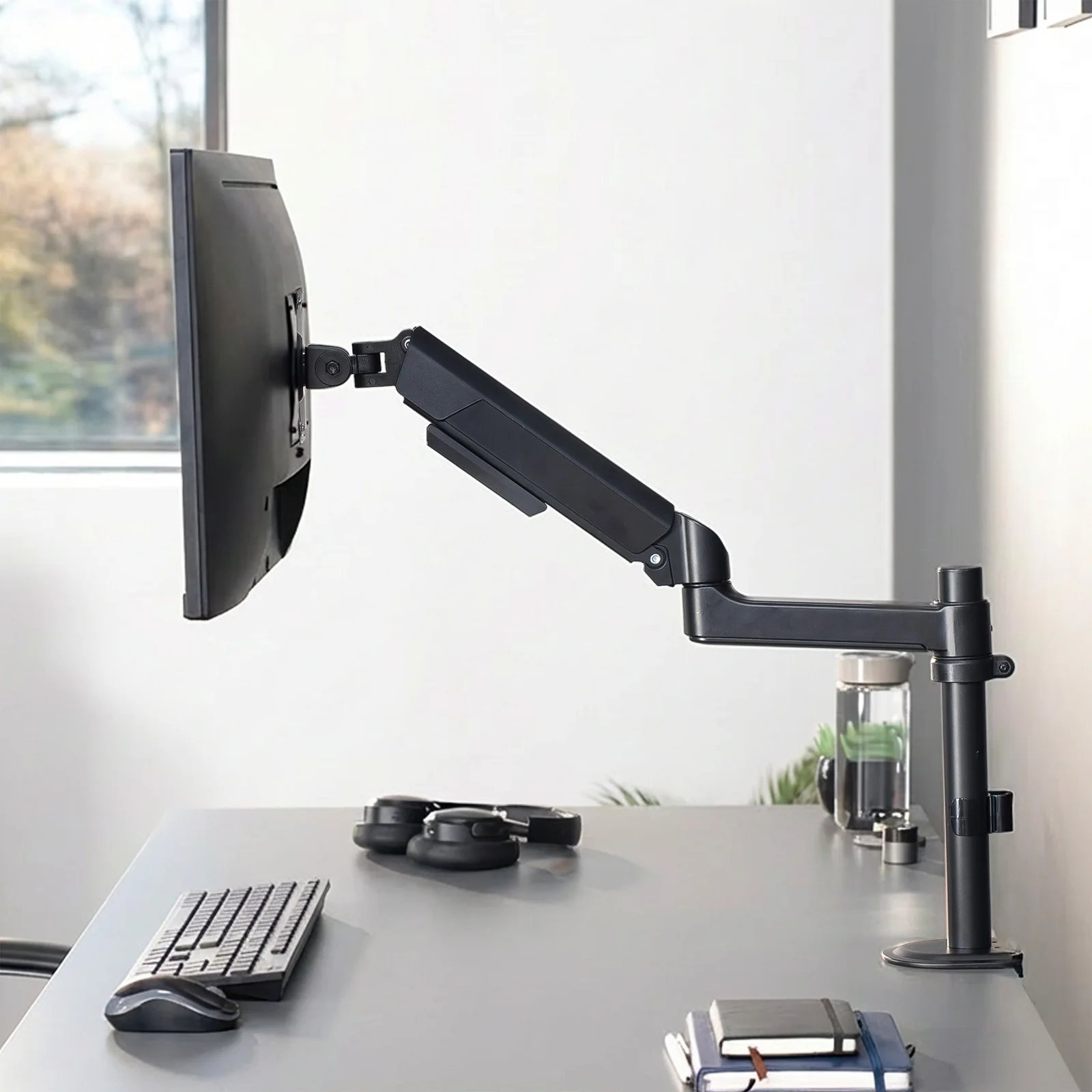
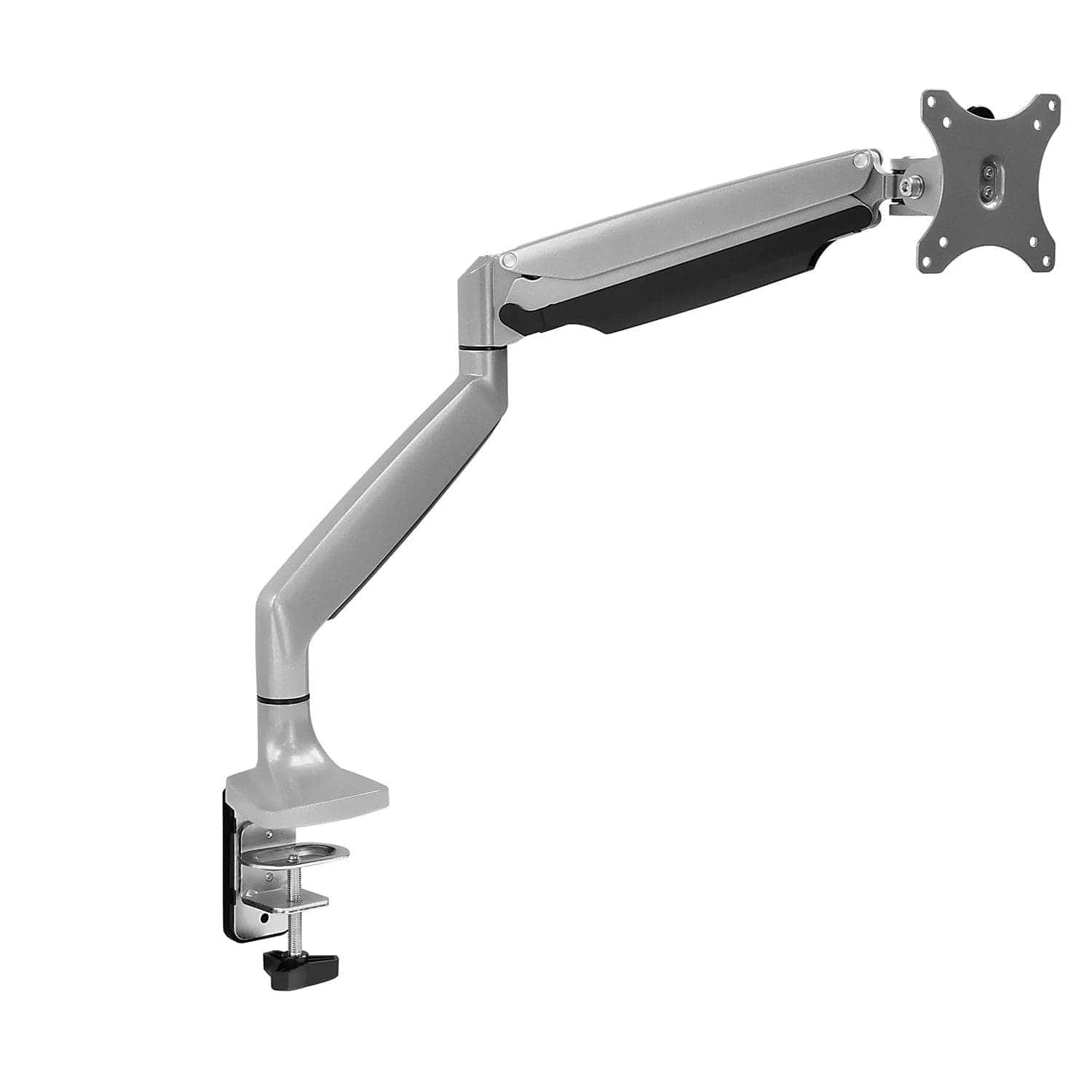
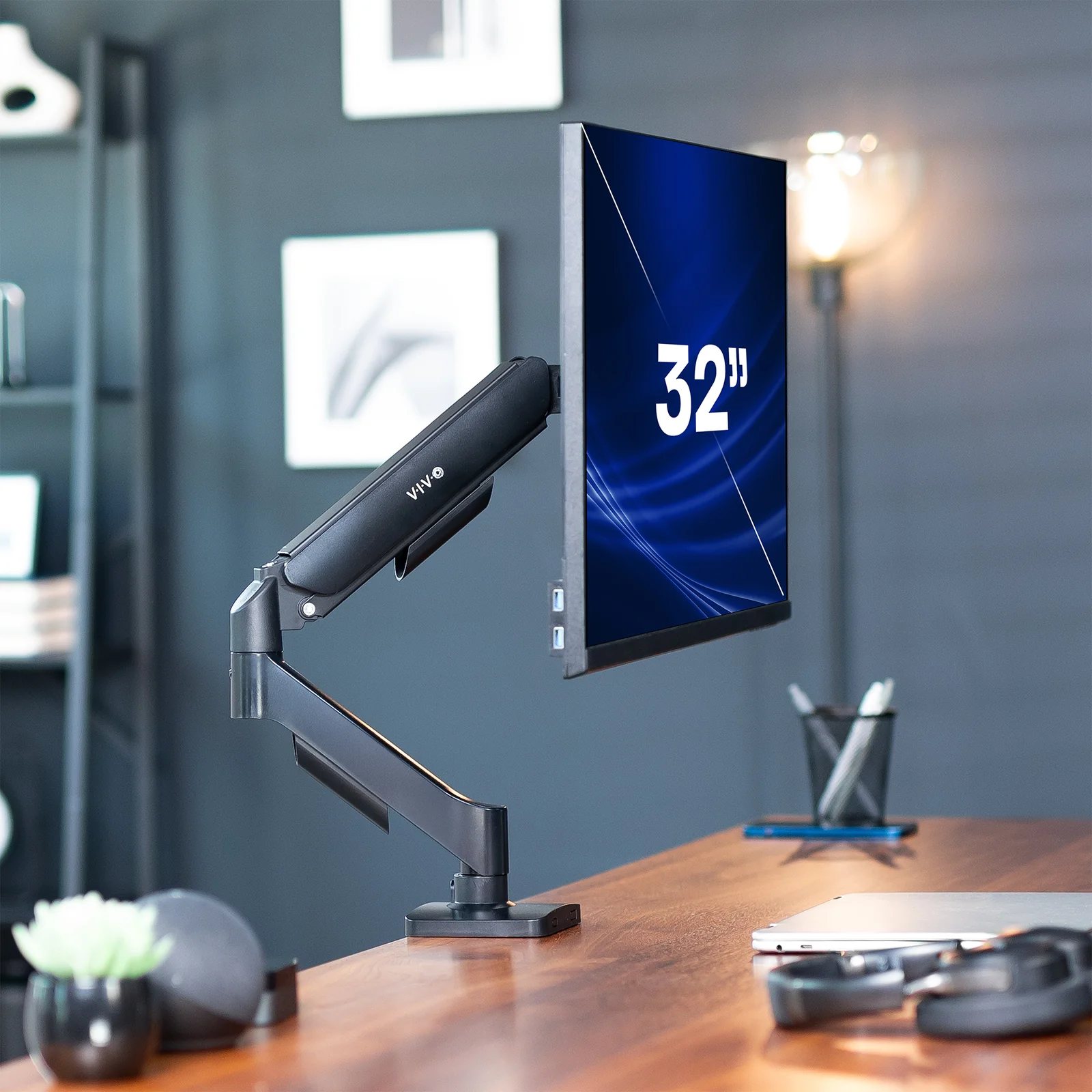
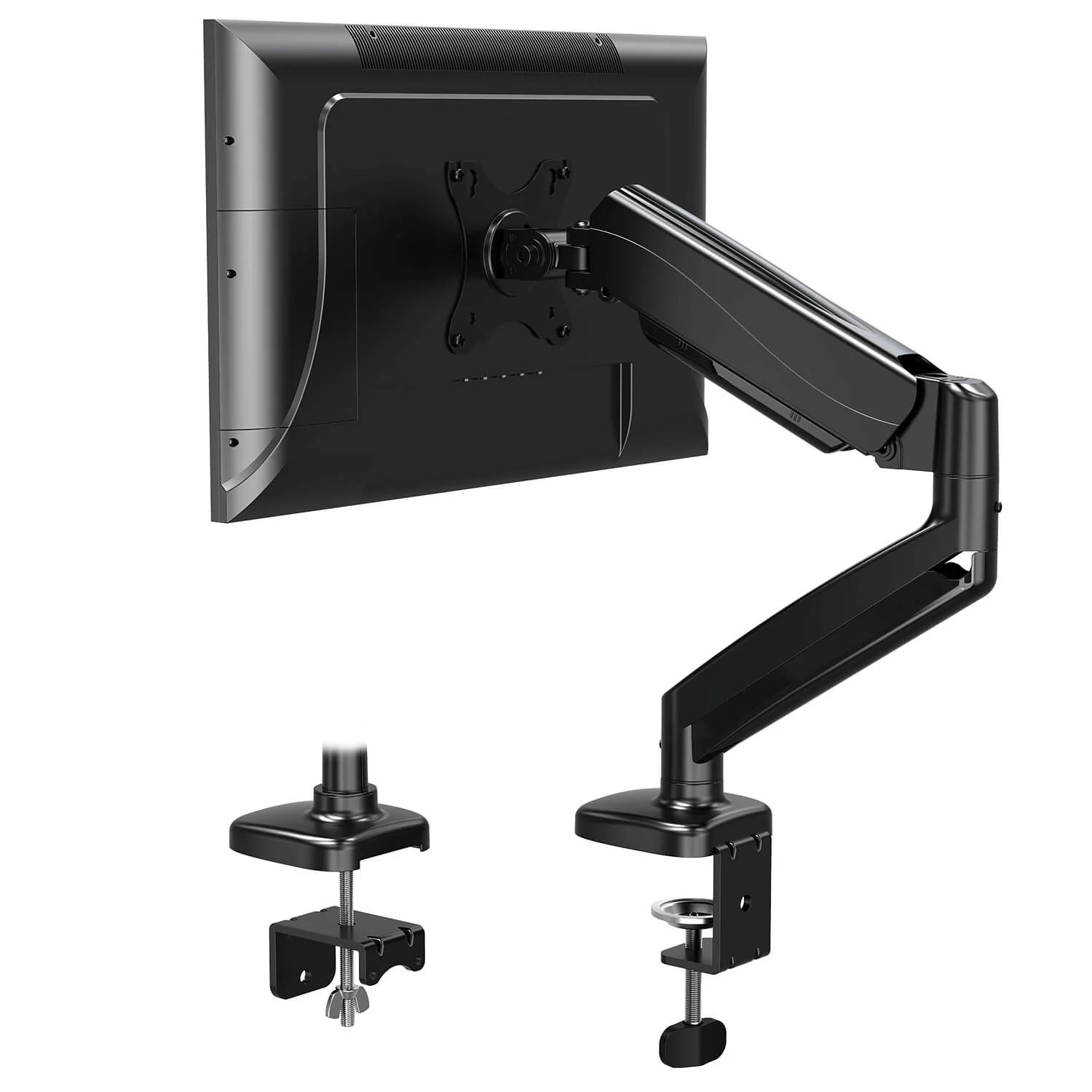
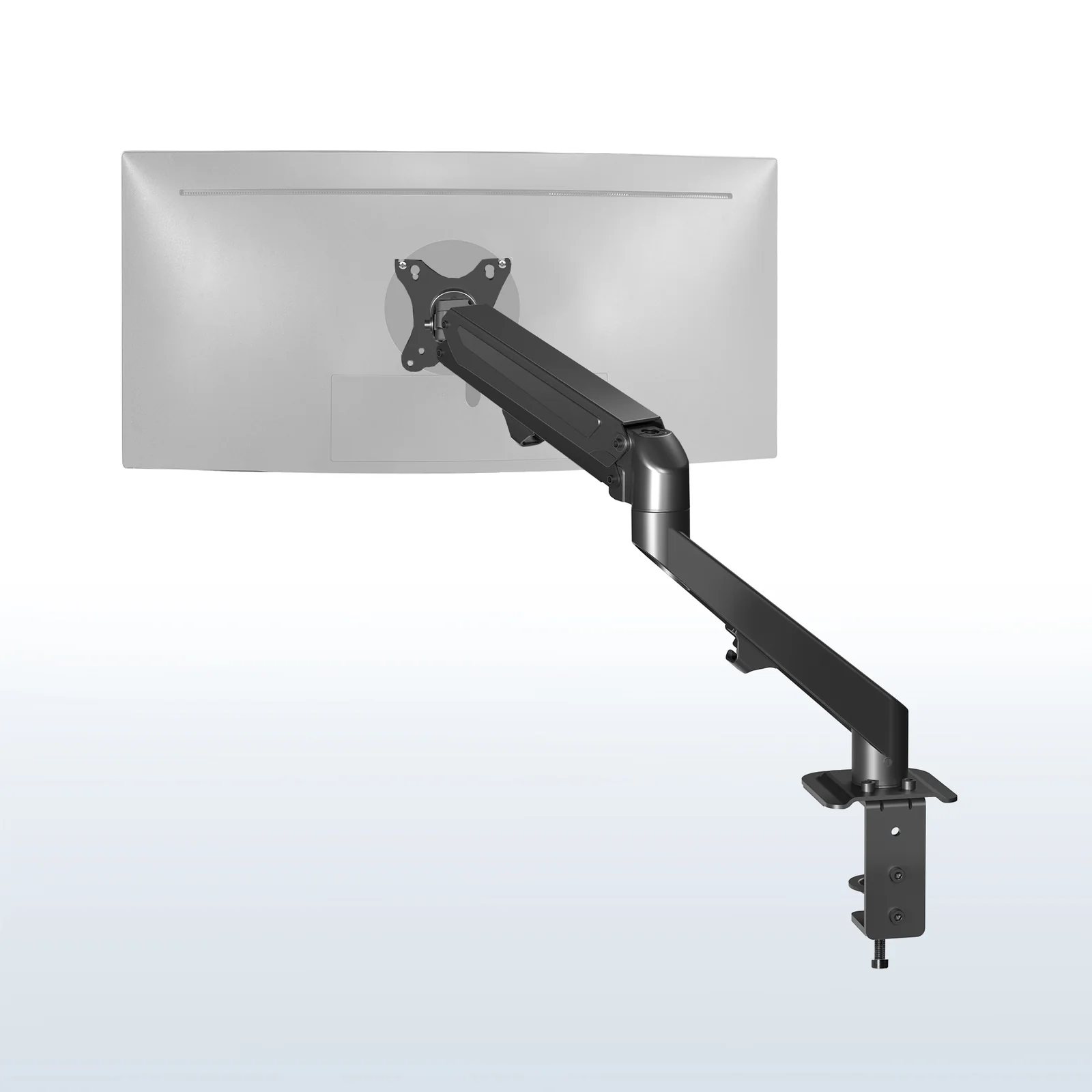
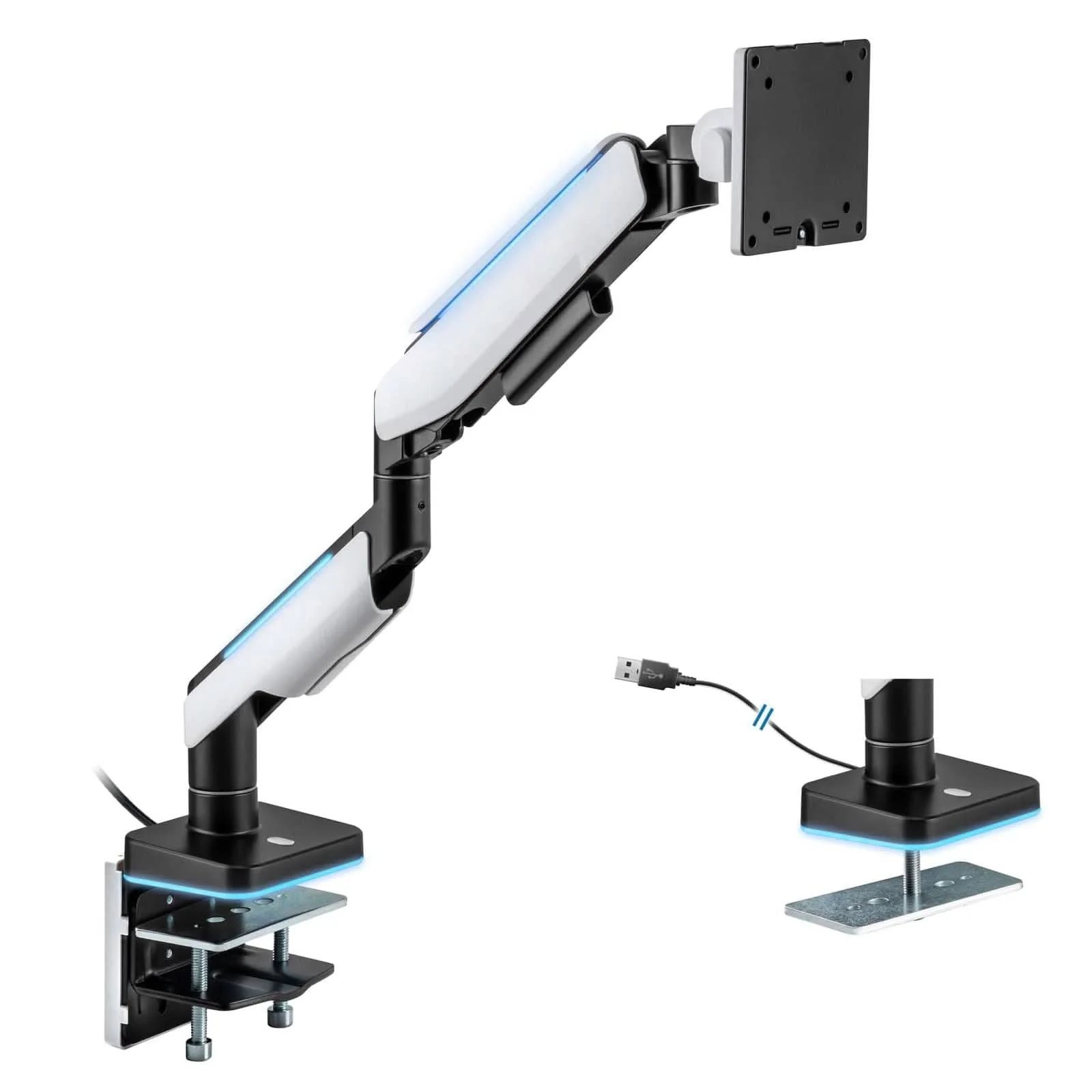
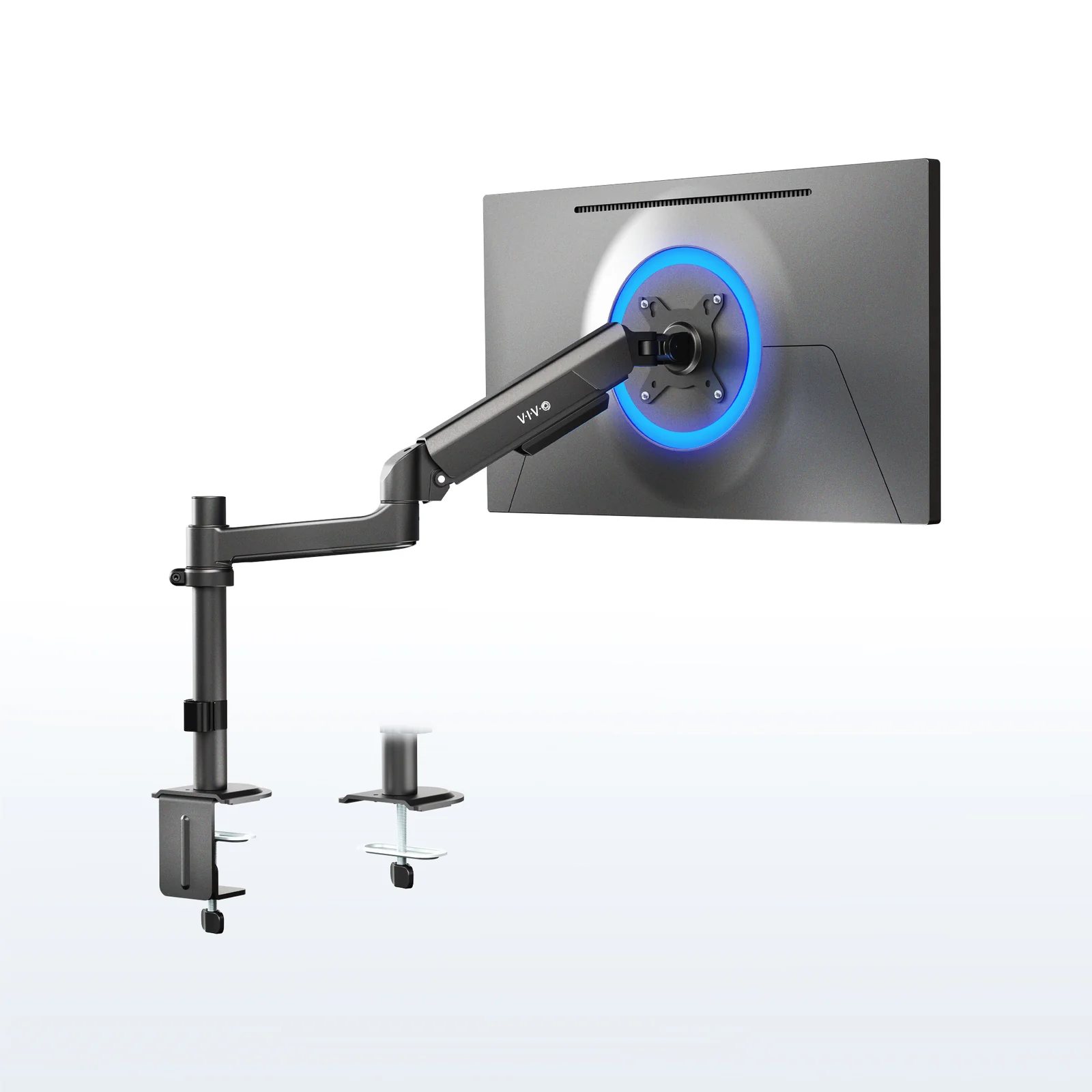
Buy the VIVO STAND-V101H ($$). It publishes a 22.3-inch maximum extension, a 4.4 to 26.4 lb weight window that covers almost every panel a home office owns, and a base that VIVO measures at 4.1 by 4.3 inches — about the footprint of a coffee mug. On a 20-inch-deep desk, that is the difference between a screen you squint at and a screen at arm's length.
The reason to fit an arm to a small desk is not tidiness. A 24-inch monitor stand puts the panel 8 to 10 inches forward of the desk's back edge and eats the worktop under it. An arm clamps at that edge and cantilevers the screen back over it, returning the footprint and moving the panel further from your eyes. CCOHS puts the eye's resting point of accommodation at about 80 cm (roughly 31.5 in) — a distance a 19-inch-deep desk cannot reach with a factory stand.
Spend as little as possible and the VIVO STAND-V001O does the same trick for a fraction of the money. Own a 49-inch ultrawide and the Mount-It! MI-4881 is the only thing here rated to carry it. Every figure below is quoted from the maker's own product page, and those pages are linked at the bottom.
How to shop for a monitor arm for a small desk
Published maximum extension
This is the number that decides how far back the panel can sit and how far forward it can come for a second person to read. The spread here is real — 18.5 inches at the short end, 24 at the long one.
The bottom of the weight window, not the top
Every arm here publishes a minimum as well as a maximum. A spring tuned for 26 lb will not hold a 4 lb panel down; it floats to the top of its travel and stays there. Five of six makers publish a 4.4 lb floor.
Clamp footprint and desk thickness range
VIVO measures the V101H base at 4.1 by 4.3 inches and rates its clamp for tops from 0.4 to 3.5 inches; MOUNTUP's stops at 1.97. Measure your top first.
Height travel at the pole
The V101H publishes 12 inches of arm travel, the V001O 6.25 to 16 inches, the MI-4881 8.54 to 19.68. Under about 6 inches of range assumes your chair is already perfect.
Whether it is a wide or a tall screen job
Curved panels are heavier and hang further from their center of mass. VIVO publishes a separate curved figure — 24.2 lb against 26.4 flat on the V101H.
Best overall
Image: VIVO
VIVO Pneumatic Arm Single Monitor Desk Mount
The widest weight window here
Screens
17–40 in
Holds
4.4–26.4 lb
Max reach
22.3 in
Model
STAND-V101H
Reasons to buy
The 4.4 to 26.4 lb window is the widest here — the one arm you can buy without weighing your monitor first
VIVO publishes 22.3 inches of maximum extension and 12 inches of arm height travel on a 12.3-inch pole — enough to put a panel behind the desk's back edge and still bring it forward for a second reader
A 4.1 by 4.3-inch base, and a clamp rated from 0.4 to 3.5 inches — thin apartment desks and butcher block alike
Separate published figures for flat and curved screens (26.4 lb and 24.2 lb) rather than one optimistic number covering both
Tilt is a modest 35 degrees each way, but swivel is 180 and rotation a full 360, so a vertical code window is a wrist-flick away
Reasons to avoid
The grommet option only clears tops up to 1.5 inches, half the clamp's range — if you were planning to drill, measure first
A 40-inch ceiling sounds generous until you own a 49-inch ultrawide, which needs the Mount-It! MI-4881 instead
This is the arm for a desk 18 to 24 inches deep. The extension does the work: with the clamp at the back edge, 22.3 inches of reach puts the panel behind the desk line entirely and hands the worktop under it back to you.
The weight window is why it wins rather than the reach. A spring that will not stay down is a monitor that creeps upward all afternoon, and a 4.4 lb floor with a 26.4 lb ceiling covers a 22-inch office panel and a 34-inch curved one from the same box.
Not the right fit if your screen is a 49-inch ultrawide — that is a Mount-It! MI-4881 job.
Mount-It! Single Monitor Mount With Gas Spring Arm
Longest arm here, heaviest hardware
Screens
13–32 in
Holds
Up to 20 lb
Max reach
24 in
Model
MI-1771
Reasons to buy
A 24-inch maximum extension, the longest figure here and the most useful number on a desk that is too shallow
Thirteen inches of height adjustment, so the same arm serves a seated setup and a standing one without remounting
The clamp takes tops up to 3.3 inches and a grommet base is in the box, so thick reclaimed wood is as easy as laminate
Tilt runs up to 90 degrees either way — enough to angle the screen at someone standing beside the desk
Reasons to avoid
A 20 lb ceiling and a 32-inch screen limit put big curved panels out of reach
Mount-It! publishes no minimum weight for the spring, so a very light panel may need the tension backed right off
It costs two-thirds more than the VIVO pneumatic arm for less weight capacity and two more inches of reach
Under 20 inches of desk depth, buy on extension and nothing else — and this is the longest arm here. The extra 1.7 inches over the VIVO is the difference between a 27-inch panel at 24 inches from your face and one at arm's length.
What you give up is the top of the weight range: 20 lb covers most flat panels up to 32 inches and almost no curved ones. Mount-It! is also silent on the spring's lower limit.
Not the right fit if you want the most reach per dollar — the VIVO V101H gives up 1.7 inches and costs far less.
Nearly 20 inches of published extension in the cheapest band on this page — most of the winner's depth benefit for a fraction of it
Height adjusts from 6.25 to 16 inches at screen center — 9.75 inches of real travel, not the token range cheap arms publish
The counterbalance spring adjusts by hand, so raising a screen is a push rather than a tool job
A 4.4 lb floor, which matters most at this price, because budget arms get paired with light panels
Reasons to avoid
The clamp tops out at 3.1 inches and the grommet at 1.9 inches, slightly tighter than the winner
VIVO caps the maximum screen height at 16 inches at the center, which is low for anyone over about six feet
Mechanical spring arms have a sagging reputation this one does not deserve on paper — the weight window is sensible and the extension is within two and a half inches of the best arm here.
The gap that justifies spending more is the height ceiling. Sixteen inches at screen center puts a 27-inch panel's top edge roughly 24 inches above the desk — fine seated, short if you stand.
Not the right fit if you work standing — the MI-1771 gives 13 inches of travel.
A clamp rated from 0.39 inches, the thinnest figure here, which is what matters on flat-pack tops
19.27 inches of extension and 16.3 inches of rise, so neither axis is a compromise
Tilts 90 degrees up and 45 down, a wider range than either VIVO pneumatic arm
Three-year warranty stated on the product page
Reasons to avoid
The clamp's upper limit is 1.97 inches, so a thick solid-wood top needs a different arm
A 17.6 lb ceiling is the second lowest here and rules out most 32-inch curved panels
MOUNTUP publishes no base dimensions, so you cannot check the footprint against a crowded desk before it arrives
Thin tops are the quiet failure mode of monitor arms on small desks. A clamp with a 0.6-inch minimum will not tighten on a 15 mm laminate top, and no amount of packing makes that safe with 15 lb hanging off it.
Everything else is mid-pack. Buy it for the clamp range, not the headline numbers.
Not the right fit if your desk top is thicker than two inches — take the VIVO V101H and its 3.5-inch clamp.
VIVO Pneumatic Arm Single Monitor Desk Mount for 17 to 27 inch screens
Smallest base, shortest arm, lightest job
Screens
17–27 in
Holds
4.4–14.3 lb
Max reach
18.5 in
Model
STAND-V101O
Reasons to buy
A 3.75 by 4-inch base, the smallest footprint here, which matters when a lamp and a dock share the back edge
Rated from 0.4 to 3.2 inches of desk thickness, so it fits thin and thick tops both
Screen height adjusts from 6 to 16.5 inches at the center
Tilt runs 45 degrees down to 90 up, the range you want if the desk is low and you are tall
Reasons to avoid
A 14.3 lb ceiling is the lowest here — check your monitor's weight without its stand before ordering
Eighteen and a half inches is the shortest reach on this page, so it buys back less depth than the winner
This is the arm for the smallest real setup: one 24 or 27-inch panel on a desk under 40 inches wide, where the clamp has to occupy as little of the back edge as possible.
The trade is in the numbers: four inches of reach and 12 lb of capacity against the V101H, for the smallest base here and a lower price. Under 14 lb — most 24-inch panels — nothing here is a compromise.
Not the right fit if you are running a 32-inch panel — that needs the V001O or better.
Mount-It! Heavy-Duty Single Monitor Arm for ultrawide screens
Carries 44 lb, publishes two different reaches
Screens
17–49 in
Holds
4.4–44 lb
Max reach
21.3 in
Model
MI-4881
Reasons to buy
Rated to 49 inches and 44 lb, the only combination here that carries a super-ultrawide off the desk
A height range of 8.54 to 19.68 inches, the tallest here
A two-piece clamp rated 0.39 to 3.3 inches, plus a grommet base to 1.9
A 4.4 lb floor despite the heavy-duty rating, so the spring still winds down for an ordinary panel
Cable routing runs under the arm rather than in exterior clips — the version that stays tidy across a studio
Reasons to avoid
Mount-It! publishes two extension figures for this arm — 21.3 inches in its specification block, 18 in its own bullets. Plan around 18
The USB-powered RGB lighting is not optional; if you do not want a glowing arm you are paying for one
By a wide margin the most expensive thing here, and on a small desk that is capacity you may never use
A 49-inch panel on a 22-inch-deep desk is the worst case of this whole problem: too close, too heavy for a normal arm, and its stand owns most of the worktop. Very little else is rated for it.
Take the published-reach contradiction seriously. Plan the layout around 18 inches and treat 21.3 as a bonus.
Not the right fit if your screen is under 32 inches — you are buying three times the arm you need.
Nothing here has been hung off a desk by us. Every figure above is quoted from the manufacturer's own product page, all linked in Sources.
A candidate had to publish, on its own site, a maximum extension, both ends of a weight range, and a desk-thickness range for its clamp. That rule removed most of the arms that dominate marketplace search results.
Figures were compared against one job: a single panel on a desk 20 inches deep or less, clamped at the back edge, screen roughly an arm's length away as CCOHS suggests.
Where a maker's own pages disagree — as Mount-It!'s do on the MI-4881 — both figures are printed and the conservative one used.
Price bands were set by fetching each product's live retail page on 12 September 2026 and sorting the six by price. A band describes position on this page only.
Nothing was rejected for being cheap: on a shallow desk the cheapest arm still beats the best monitor stand.
The verdict
Best overall: the VIVO STAND-V101H, for 22.3 inches of published reach, the widest weight window here and a base small enough to share the back edge with a lamp. On a shallow desk it is the cheapest square footage you will ever buy.
Best for the least money: the VIVO STAND-V001O, which gives up two and a half inches of reach and very little else. Best for a thin top: the MOUNTUP MU0004 and its 0.39-inch clamp. Best for a 49-inch ultrawide: the Mount-It! MI-4881, on its 44 lb rating.
Not sure how much depth you actually have to work with? How to measure a small workspace walks through the three numbers — desk depth, monitor distance and clearance — before you spend anything.
Will a monitor arm actually give me more usable desk?
Yes, measurably. A factory stand's base occupies an 8 to 10-inch-deep strip across the back of the desk and the panel sits forward of that. An arm returns that strip — roughly a third of a 19-inch-deep surface.
How far should the monitor be from my eyes?
CCOHS puts the eye's resting point of accommodation at about 80 cm — roughly 31.5 inches — and suggests an arm's length as a working estimate. UCLA says to sit at least an arm's length away, then adjust for your vision.
Does it matter that my monitor is light?
More than most people expect. Five of six arms here publish a 4.4 lb minimum, and a spring tuned for 26 lb drifts upward under a 6 lb panel. Check your monitor's weight without its stand against the bottom of the range.
Clamp or grommet?
Clamp, unless your desk already has a grommet hole. Every arm here publishes a wider thickness range for the clamp — 3.5 inches against 1.5 on the VIVO V101H — and drilling a laminate top is a one-way decision on rented furniture.
How thin can my desk be?
The MOUNTUP MU0004 and Mount-It! MI-4881 clamp from 0.39 inches, the VIVO arms from 0.4. Measure at the back edge where the clamp sits — many desks taper or carry a thicker front lip.
Will an arm work on a standing desk?
Yes. The arms with the most travel keep working at both heights without adjustment — 13 inches on the MI-1771, 12 on the V101H. Clamp to the desktop, not the frame, and leave cable slack for the full travel.
Also considered
Free-standing monitor risers and shelves — They raise a screen without moving it back — half the ergonomic problem and none of the depth problem. On a shallow desk that leaves the screen too close and higher.
Arms that publish a capacity but no extension — Most marketplace bestsellers state a weight limit and a screen-size range and nothing about reach — the one number that decides whether the arm helps a small desk at all.
Dual-monitor arms on a desk under 48 inches wide — Two 24-inch panels want about 42 inches of clear width. On a 36 or 40-inch desk a dual arm forces them so far back or so far apart that one is permanently at a bad angle.
Laptop-only mounts — A tray hangs the laptop far from the pole and costs the arm several pounds of capacity. If the laptop is the main screen, a stand plus an external keyboard uses less desk.
Ergotron LX and Humanscale M2.1 — Both are genuinely good arms, excluded on the same rule as everyone else: their figures could not be read from their own public product pages, which answer automated requests with a refusal or a menu. We will not quote a number we could not source first-hand.